Hello all, I am new to Kinotone and more specifically the ribbons world and I am very much obsessed with the sounds and textures I am able to create using such a powerful and expressive tool.
I have a few suggestions that could make utilizing the pedal(specifically for a guitarist like myself) a little easier.
I have no knowledge whether it would be technically possible but switching presets by hitting both switches at the same time would be a quick and simple way of navigating different presets without having to bend down and hold the push button for navigation. Again I am not sure this is at all possible but it was just a thought I had.
Also, in order to achieve this effect, I set it up with a midi controller(specifically the dmc. micro gen3). I’m able to navigate the presets fluidly but it would be helpful to know, at least for a second or two, what preset I am on via a singular red or blue led (just like when using the pedals push button to change presets).
Again, I have no idea if any of these things are possible. I’ll happily enjoy the pedal as is. I just thought these would be some nice features to add if possible.
Apologies if I went on too long or if I have weird formatting, I’m new to posting on forums.
Hi Seth,
I use a DMC.micro too. With this device You can use what we could call « config presets », meaning you can switch presets that will switch presets on up to 4 devices at the same time, but you can navigate per device too, so easily go from one Ribbons preset to an other. Not sure there would be an advantage to have a specific LED lightning on the Ribbons: with the DMC you can easily access to ALL available Ribbons presets, which you cannot do (I think, not sure…) on the Ribbons itself.
I’ve got the gen 3 micro so the preset names are not as maneuverable, but it is updated to 2.0. My whole thing with the LEDs on the pedal is that I can see what preset the pedal is on, at least for a second or two. This is how you know what preset you’re on when using the pedal itself to change presets, so with midi I think it would be nice for it to work the same way, if not similarly.
Overall I’m happy with the pedal though, and I can recognize that this might just be a personal preference for a specific use case. Thanks for the reply though!
Right, I have seen this. I may just need to memorize each individual color per preset but my brain would much rather just memorize the position of the preset if that makes sense. Just like when switching on the pedal itself without midi.
I end up thinking about it numerically, like default preset(single red led farthest to the left) is preset 1, the next one(middle left red led) is preset 2 and so on.
This might just be a me thing, but I thought it may be helpful for others.
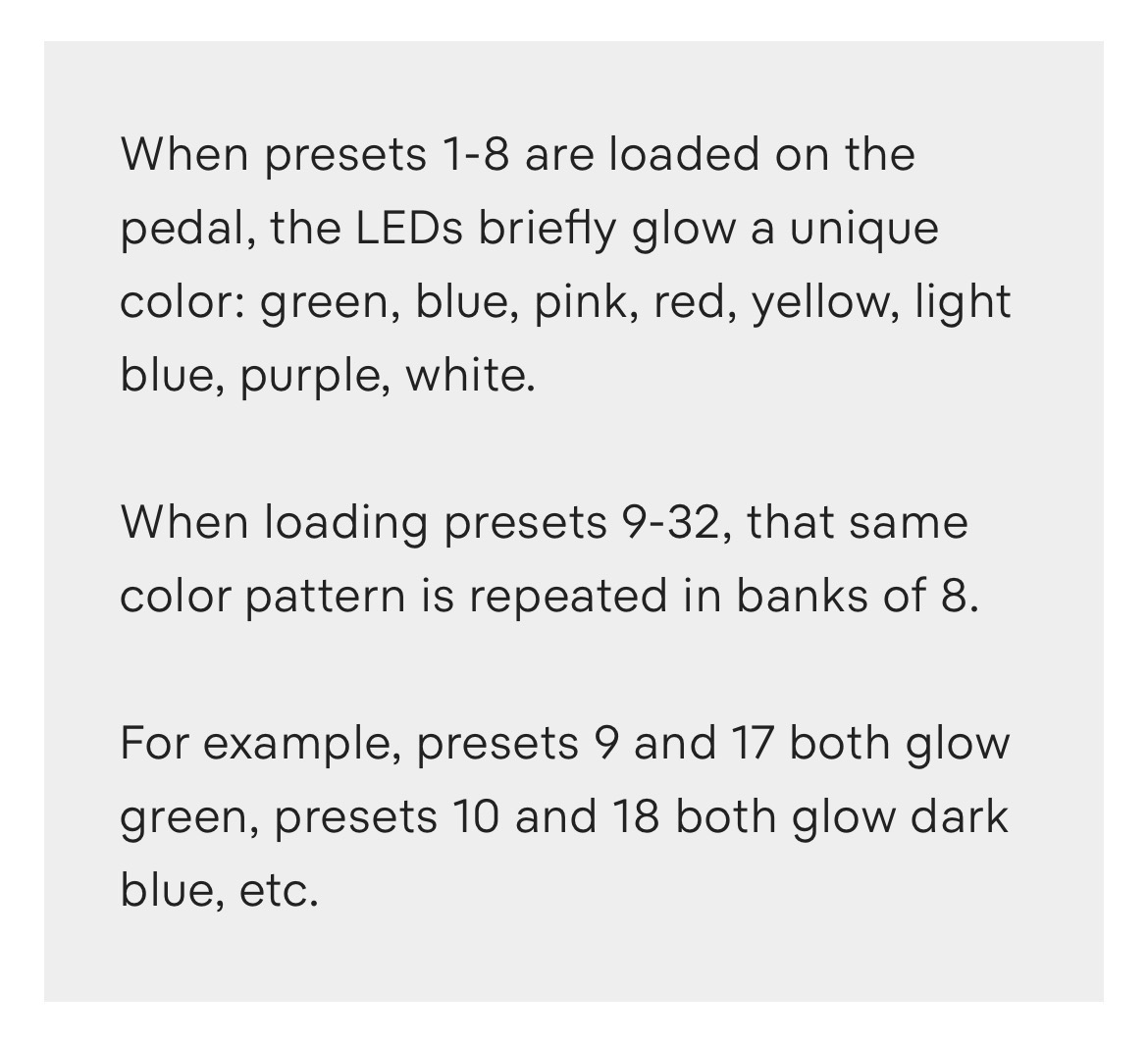
So 32 presets gives you essentially 8 banks of four presets, you could instead of having all the leds flash a specific color, have one led in the preset position flash that color per bank. For example the first bank, presets 1(the default) would flash red for a second on the furthest left led. Preset 2 would flash red for a second on the middle left led and so on. When you get to preset 5 it changes to blue, 9 changes to green or any other color, but each bank has its own color, and each preset has its own led if that makes sense.
Again, I don’t have any knowledge over if this is possible. It was just something I thought about when setting it up for midi.
On a side not, that reserved knob in the secondary function menu would be cool as a kind of pre delay knob the effected signal. This would give you access to anything from chorusing, all the way to something like a tape slapback. The reverb could still be placed pre or post. Sorry if this has already been mentioned.
These are just some ideas I appreciate you even responding!
That’s valid. My generation controller doesn’t really have that option but I guess that means it’s time to upgrade. I thought it’d be a good idea but maybe it’s just particularly to my set up, and I suppose that would be a lot of work for one particular use case.
I do still think something like hitting both foot switches to quickly change presets would be a good addition. I’m not sure if that’s at all possible but it’d be cool.
Overall I’m very satisfied with ribbons though. The amount of things it can already do, and do well, is amazing!
I don’t have the original DMC Micro Gen3, I have the Micro.Pro, however, I believe the Disaster Area documentation clearly says that you can rename presets using the Web editor on the original DMC Micro flashed to FW 2.x.
And this will definitely give you a much more concise preset number indication, than any of the color-coding one can invent on the Ribbons’ LEDs.
So if you are using the MIDI controller that has the luxury of having a screen - I’d utilize it by all means.
I’m using it to control both the Ribbons and an HX stomp, but independently from one another. In order to do that, I keep the dmc micro gen 3 in device mode or utility mode. As far as I’m aware, I can’t change the presets names in device mode. I could be wrong though. I’ll look into it.
OK, I see. Yes, if you need more flexible control, unfortunately, Disaster Area Designs devices don’t offer you too much.
In Device Mode, you’ll still get a clear numeric value of what preset(s) your controlled device(s) are switched to. Including Ribbons (let’s not worry about HX Stomp - it’s got its own screen).
Now I think I see where you’re coming from: if you want to use a Utility Mode to change presets on Ribbons without changing presets on the HX Stomp, in this case you’re limited in what you can see on the DMC screen.
What else do you use your DMC Micro, other than preset switching, in your configuration?
If you decide to go on the upgrate path, check the Luminite Graviton controllers, or the new Pro series of Morningstar (MC4/6/8 Pro). Those are the two manufacturers which have some of the most flexible naming and display options, and will allow you to do just what you need.
Primarily I use the dmc for the HX stomp. I switch presets with it(formerly in preset mode, but now in device mode to maintain independence) and use it to do foot switch 4 and 5 as well as a hold to tune with utility mode.
When I got the ribbons I wanted to use multiple presets on the fly without having to bend down and hold the push button each time so I configured the dmc to be able to control both independently. I play a lot of jazz/jazz adjacent genres with heavily improvised sections so I try to have as much flexibility with my sound as I can and this seemed like the best method.
I’ve been looking at the morningstar mc3 to hopefully do something similar, but I’ll have to look more into it to see if it’s capable of doing all of that.
The MS MC3 will certainly allow for a much greater flexibility. I use it in one of my smaller boards, and it can do almost anything the PRO series of controllers can do, with the exception of the much larger color display and easier visual cues.
Unlike DMC Micro(Pro etc), with MS you can switch between the controller Banks. A controller bank is a complete set of configuration parameters that defines what the controller does and what’s displayed. So yes, if needed - you can have, let’s say, a left footswitch configured to scroll Ribbons presets (up with press, down with hold), the right footswitch - to do the same with your HX Stomp, and the “middle” footswitch - to scroll between controller banks or pages within the same bank, that will give even more options.
As for the DMC Micro, even in Device mode you can still see the preset number, can’t you? It’s not as convenient as a custom name, but again, in my view, still much better than any LED color combinations that you need to somehow memorise)
Right and so that’s what I have been doing. I was just putting that out there as a way of orienting people as to where they are on the pedal itself. Having feedback from the led position just made sense to me but I guess it’s not that way for everyone.